
Alex Hormozi@AlexHormozi·2h
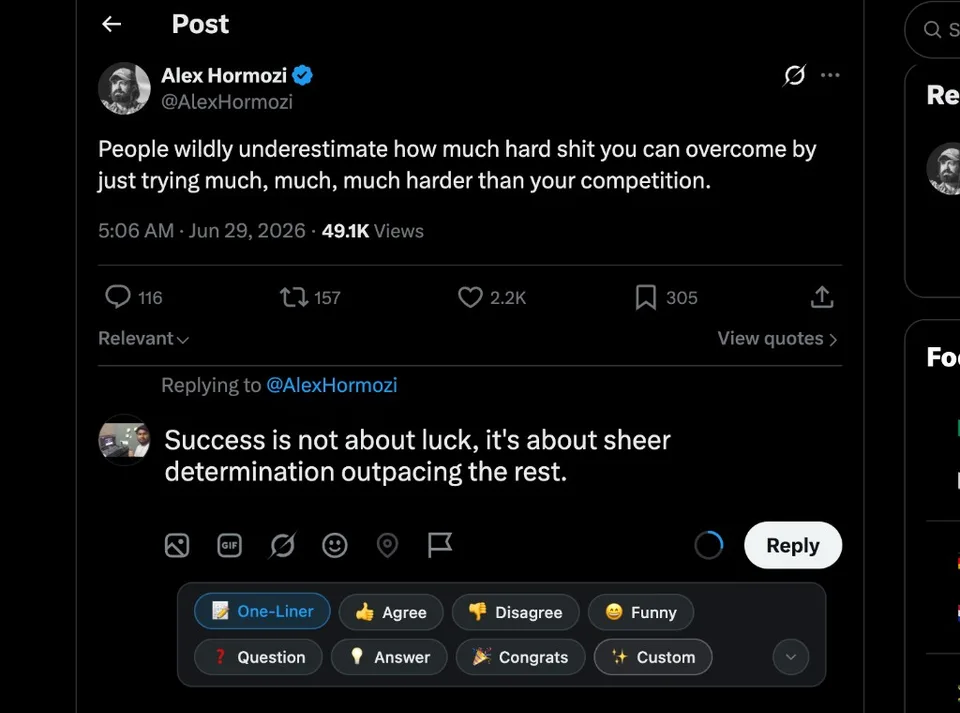
Volume negates luck. If you do enough work, you will eventually find what works.

Free tool by Nodott
Free AI tool that writes real, human-sounding replies for you. No more blank screen. No more “Great post!” comments.
Volume negates luck. If you do enough work, you will eventually find what works.
Replying to @AlexHormozi
This mindset is what separates builders from dreamers. Consistency compounds!
You post. You write threads. Nothing comes back. Zero comments, zero likes.
Writing 10 good replies takes 2 hours. You burn out before you even start.
"Great post!" and "So true!" make people unfollow, not engage.
Every post you scroll past without replying is a person who will never know you exist.
Step 01
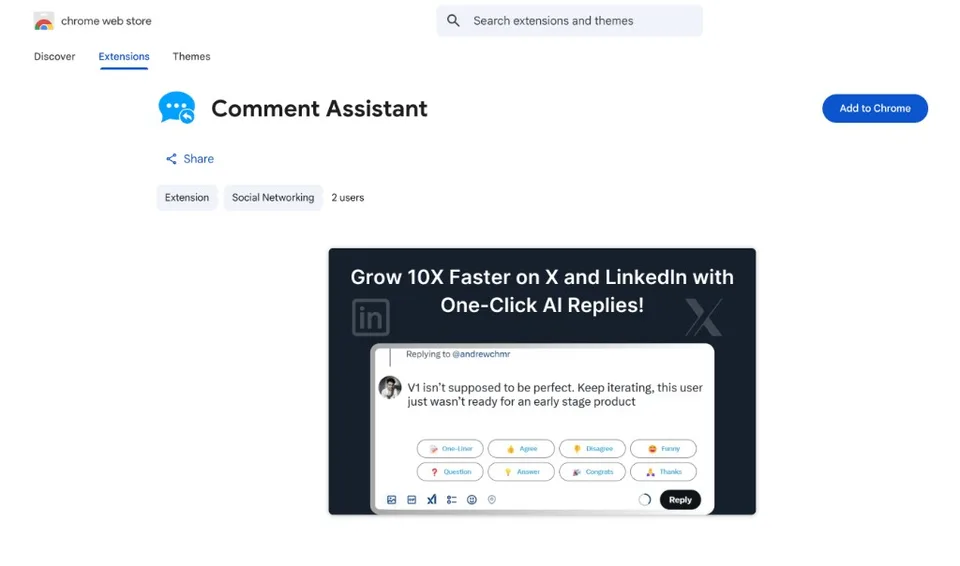
Add Comment Assistant to Chrome in one click. It shows up directly on X. No extra tabs. No copy-pasting.
Step 02
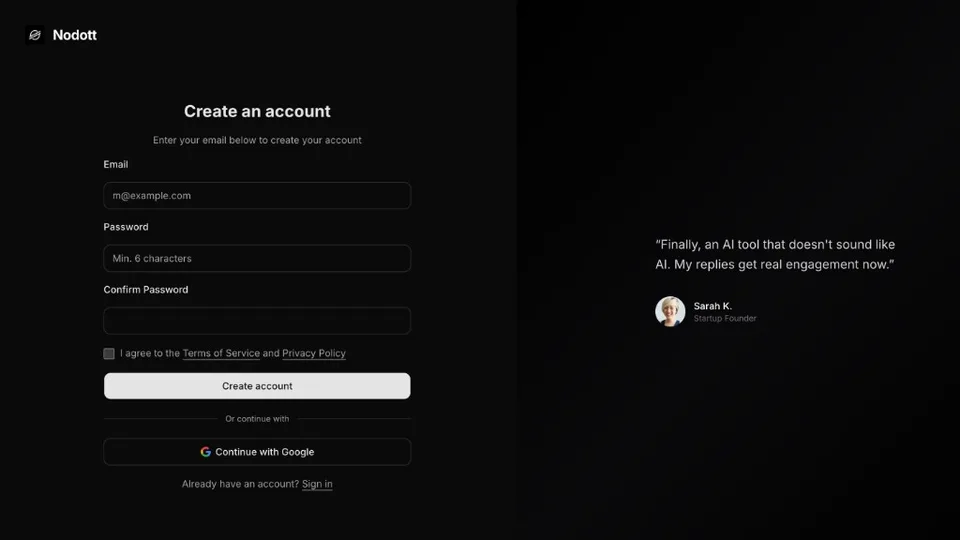
Sign up with your email or Google account. No credit card. Already a Nodott user? You already have an account. Just log in with the same email.
Step 03
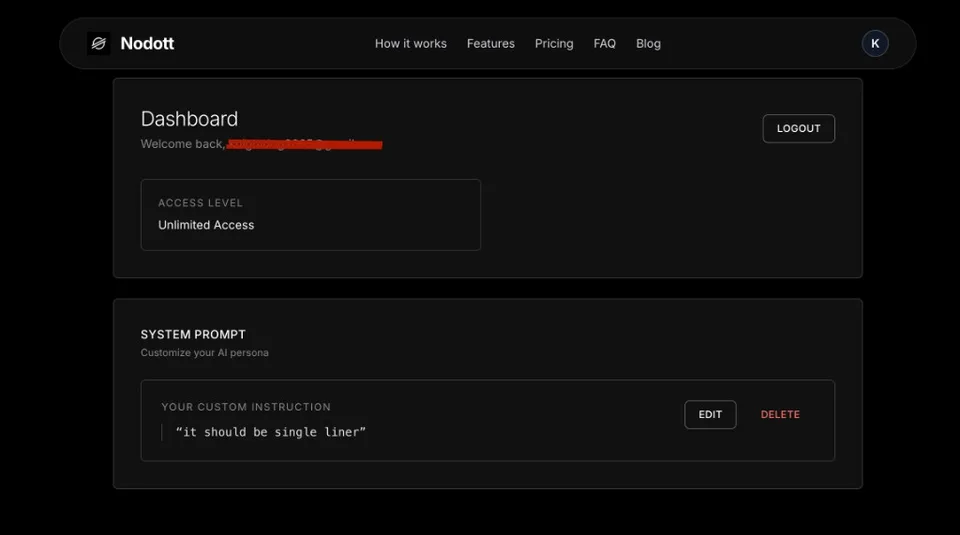
This is where you control everything. Set how you want the AI to sound. Check how many replies you have left today.
Step 04
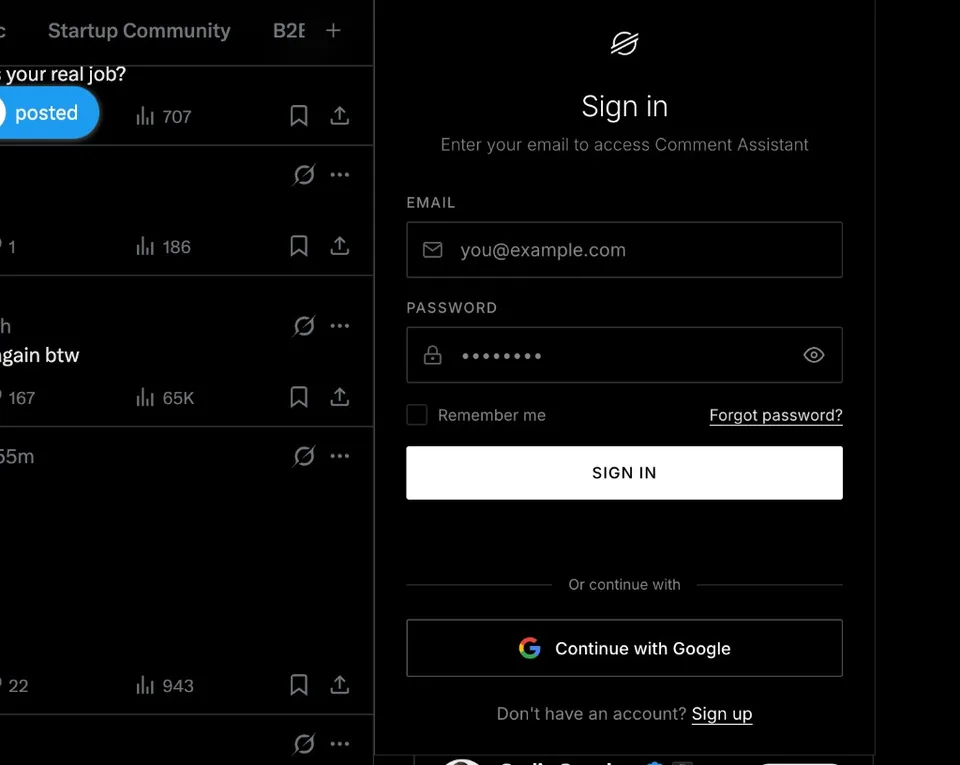
Open any post on X. Click the Comment Assistant icon. Sign in with the same email you used to create your account.
Step 05
See a post you want to reply to? Click generate. Pick a style: funny, agree, disagree, one-liner, question. Edit the reply if you want. Hit post.
Not just the headline. The full thread. So your reply always makes sense in context.
Funny. Serious. Curious. Agreeable. You choose the mood and the reply matches it.
We block garbage like "Love this" and "So inspiring." Every reply adds something real.
You never get one reply and have to accept it. Pick the best of three, every time.
The AI never posts on your own. You read it, edit it, then decide.
Built to start conversations, not end them with a one-way comment.
AI Reply Generated
“I used to avoid commenting because I never knew what to say. Now I reply to 20 posts a day and actually get responses back.”

Sarah K.
Startup Founder
“Cut my engagement time from 2 hours to 20 minutes. The tone options are what make it different.”

Mike R.
Content Creator
“Went from 400 to 1,200 followers in 60 days just by being more active in comments. This tool made that possible.”

Alex P.
SaaS Marketer
For anyone getting started
For serious growth
Frequently asked questions
No. You always review and approve every reply before posting. We suggest, you decide.
No. Comment Assistant uses advanced AI that understands context and adapts tone naturally.
Yes! You get 5 high-quality AI replies every day for free. No credit card required.
Nodott is the company behind Comment Assistant. We build tools to help creators grow authentically.
Install our Chrome extension, browse Twitter/X, and click to generate AI-powered reply suggestions.
No credit card. No setup. Install the extension, create an account, and you're live in 2 minutes.
Get Started Free5 replies/day · No card needed